
AI Checklist: a checklist animation of your AI getting the work done
AI Checklist is a five-second scene in which your logo and a one-line reply sit at the top while up to six rows build underneath, each with a check mark, an optional before and after value, and a status pill that flips to done. It shows an AI or an automation finishing work for the viewer and ends on one clear result.
The preview shows placeholder content. Your video uses your UI, words, logo and colors.
- Role
- Feature
- Length
- 5 seconds
- Uses
- Your words and logo
- Format
- 16:9, up to 4K
What it looks like
Your logo tile and a one-line reply appear at the top. Below them, rows build one after another, each with a short title and a check mark. A row can show a value changing from one state to another, and its status pill flips to done. When the list is complete it folds away row by row, and the reply turns into a single closing line beside your logo, landing about halfway through the scene.
It sits where you show the product working or prove the result, and it feels quick and satisfying.
Best for
- Showing settings your product changed on the user's behalf
- Ticking off the tasks an automation finished
- Walking through a setup your AI completed on its own
- Showing a plan your product adjusted, with before and after values
What you add
- A one-line reply
- Up to six short row titles
- Optional before and after values for each row
- The status words and one closing line
- Your logo
No recording needed
This scene is built from your words, logo and brand colors. Add your website and Wevi pulls your logo, colors and fonts, so it matches your product without design work.
Videos this scene works in
AI product demo video
Show prompts, answers and agents at work without a shaky screen recording.
Read the guideFeature announcement video
One new feature, shown in context, in 15 to 30 seconds.
Read the guideSaaS explainer video
Problem, solution, proof. Explain what your software does in under a minute.
Read the guidePairs well with
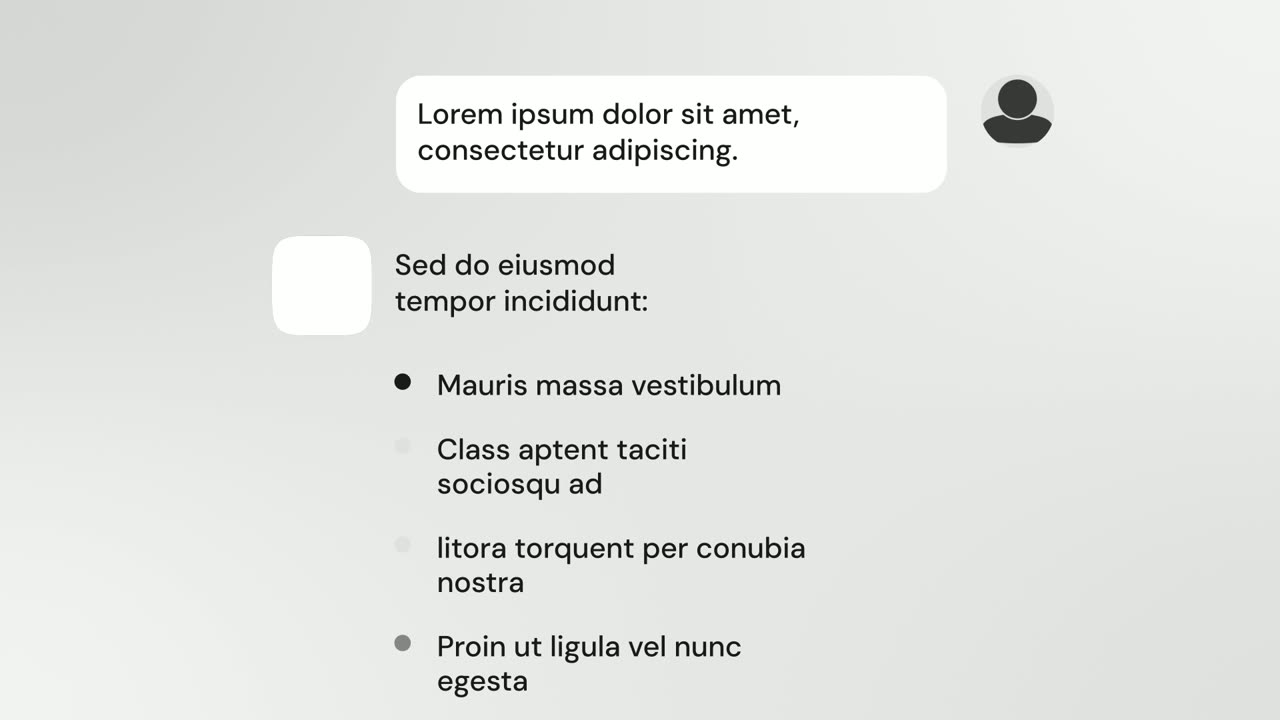
Feature
AI Chat Reply
AI Chat Reply is a five-second scene where a customer's message sits at the top, your logo appears, and your AI's reply streams in with a heading, up…
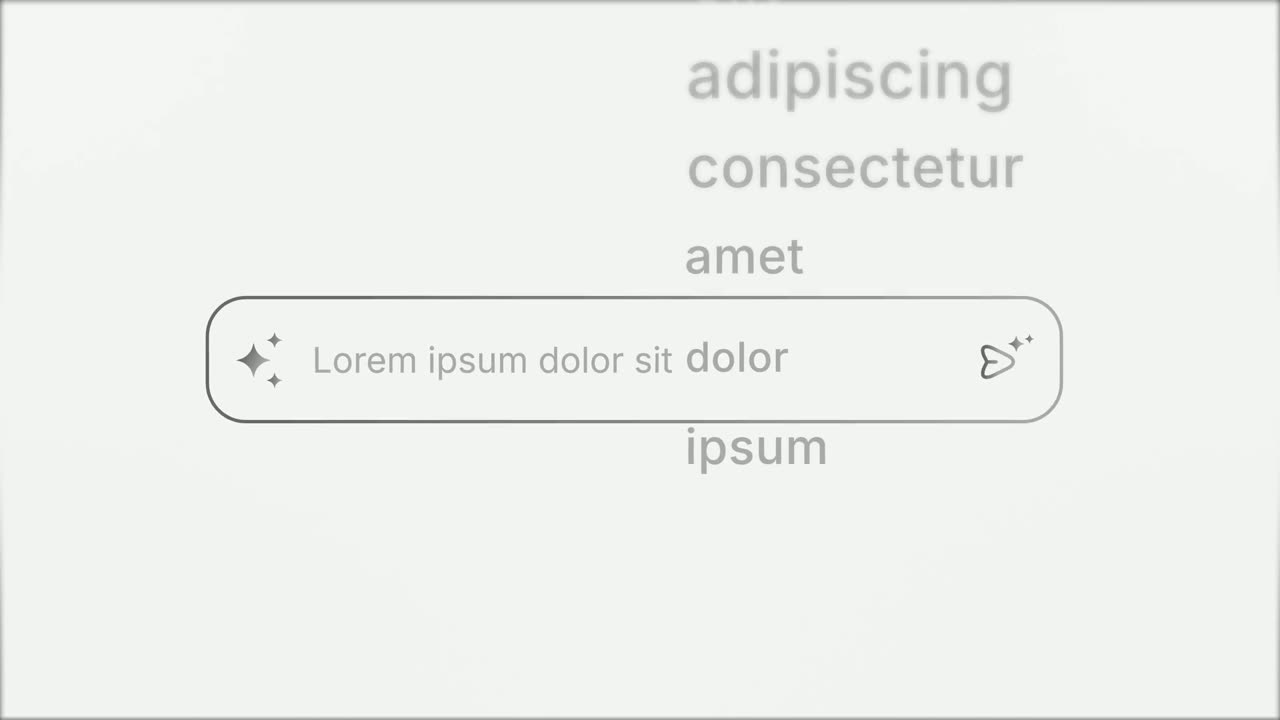
Opener
Prompt Input
Prompt Input is a 5-second scene where an icon opens into a prompt box, a request types itself in close up, then the shot goes wide and the end of…

Transition
Loading Dots
Loading Dots is a loading dots animation: three dots pulse on a quiet background and nothing else happens.
Questions
Can I change the look of the checklist?
The look and motion are fixed. Everything written is yours: the reply, the rows, the before and after values, the status words and the closing line.
How many rows should I use?
Up to six, each a short name rather than a sentence. Avoid rows that repeat the same idea.
When should I use AI Chat Reply instead?
Use AI Chat Reply when your AI answers one request with text bullets. Use AI Checklist when the point is tasks getting completed and a result landing.
Put AI Checklist in your next video
Describe the video in a sentence. The Wevi Agent reads your site, captures your product, plans the scenes and renders with voiceover and music. Start free.
Or ask your assistant: Make a launch video for mysite.com with Wevi and open on the AI Checklist scene