
Tilted Type-In: a 3D typing animation inside your real product
Tilted Type-In is a 3D typing animation: your real product screen lies tilted back and the camera glides along one line as it types itself into a real field, letter by letter. Use it when the words being typed are the story, such as a prompt, a search, a message or a command. It suits AI tools, search products and anything driven by an input box.
The preview shows placeholder content. Your video uses your UI, words, logo and colors.
- Role
- Transition
- Length
- 5 seconds
- Uses
- Your real product UI
- Format
- 16:9, up to 4K
What it looks like
Your real product screen lies tilted back in 3D. The camera stays very close and glides along a single input field while one line of text types itself in, letter by letter, in the field's real font, size and color. The area around the field fills the frame, so the shot feels cinematic and intimate rather than like a screen recording. It runs about five seconds and sets up the question that the next scene answers.
It often opens the video with the user's question or sits mid video as the ask before the answer, and it feels cinematic and close.
Best for
- Typing an AI prompt as the opening of the video
- Showing a search being entered in your product
- Voicing the user's problem or wish as a typed line
- Setting up the question before a loading scene and the answer
What you add
- One page with a prompt box, search bar or message field
- One line of text, up to about 90 characters, typed into the field before capture
Capture tips
- Type your line into the real field before you capture, so its true font, size and color are picked up.
- Select only that typed text, not a label, placeholder, heading or button text.
- If the text is small, zoom in a step or two before capturing, because the camera goes very close.
- Pick a field with clean space and tidy neighbors around it, and close any suggestion lists or tooltips.
Videos this scene works in
AI product demo video
Show prompts, answers and agents at work without a shaky screen recording.
Read the guideProduct launch video
The 30 to 45 second video for launch day: what it is, who it is for, why now.
Read the guideWebsite hero video
A silent, looping product video for the top of your homepage.
Read the guideProduct demo video
Show the product working, step by step, in your real interface.
Read the guidePairs well with
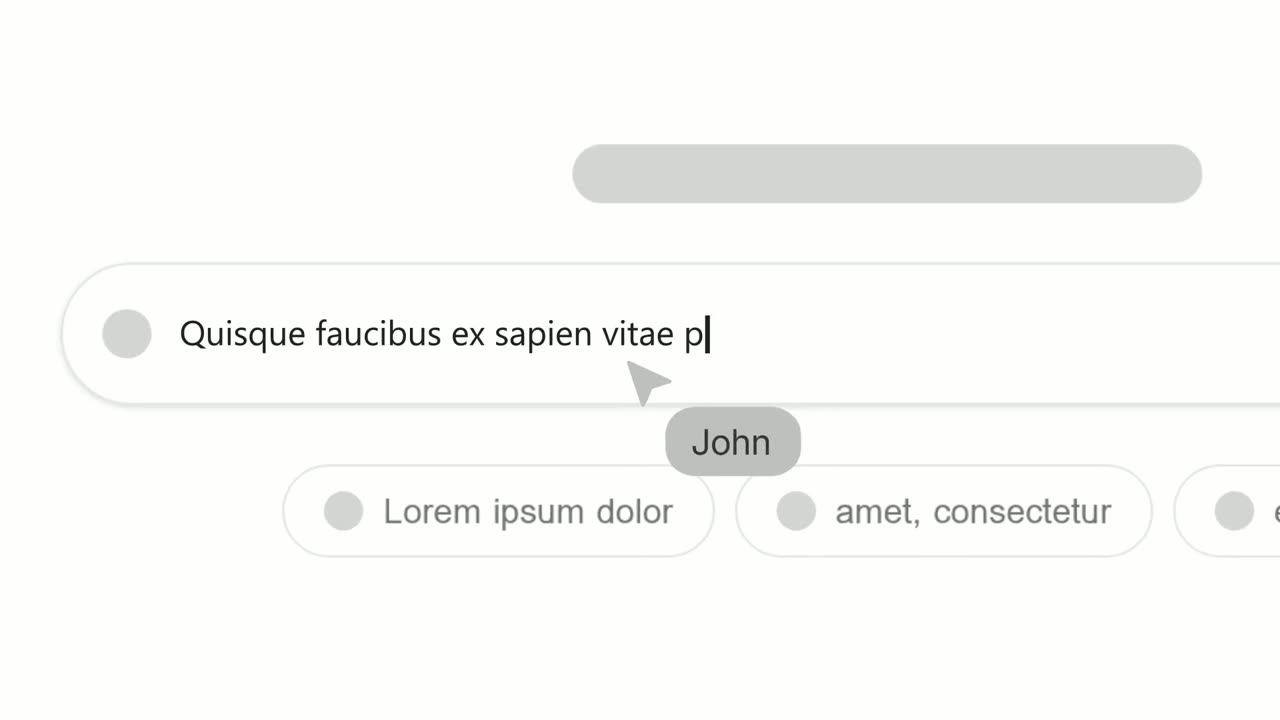
Opener · your real UI
Text Typing In
Text Typing In is a 5-second scene where your real product page is on screen, a cursor clicks a field and the camera moves in while real text types…
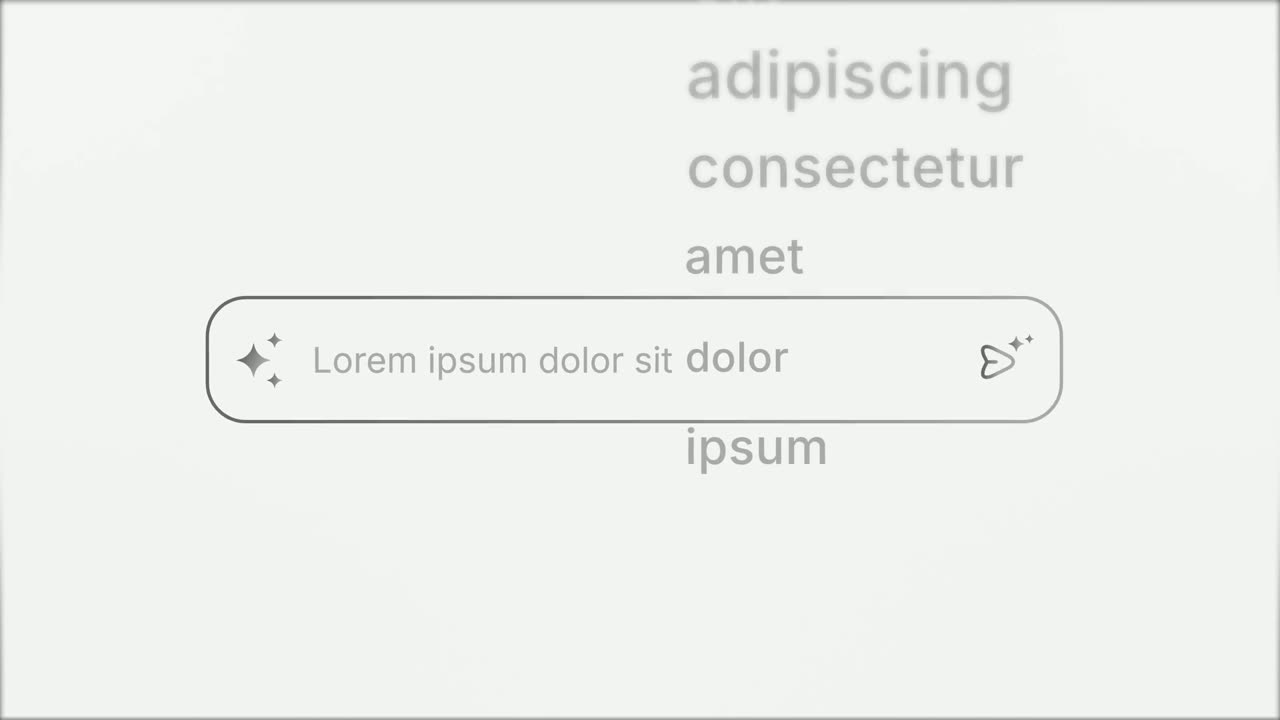
Opener
Prompt Input
Prompt Input is a 5-second scene where an icon opens into a prompt box, a request types itself in close up, then the shot goes wide and the end of…

Transition
Loading Dots
Loading Dots is a loading dots animation: three dots pulse on a quiet background and nothing else happens.
Questions
How long can the typed line be?
One line or a short phrase, up to about 90 characters. Paragraphs do not fit the shot.
How is it different from Text Typing In and Prompt Input?
Text Typing In shows where on the page the typing happens. Prompt Input uses a designed prompt box with no capture. Tilted Type-In is the cinematic version, with your real page tilted in 3D and the camera close on the line.
What should come after it?
It is the ask before the answer, so follow it with a loading scene such as Loading Dots or with the result itself.
Put Tilted Type-In in your next video
Describe the video in a sentence. The Wevi Agent reads your site, captures your product, plans the scenes and renders with voiceover and music. Start free.
Or ask your assistant: Make a launch video for mysite.com with Wevi and open on the Tilted Type-In scene