
Floating Button Press: a 3D button click animation that lifts one action off your page
Floating Button Press is a five-second scene that starts on your full interface in 3D, lifts a single button out of it to float alone in the center, and has a cursor click it. It makes two claims in one scene: the product is rich, and using it is easy.
The preview shows placeholder content. Your video uses your UI, words, logo and colors.
- Role
- Feature
- Length
- 5 seconds
- Uses
- Your real product UI
- Format
- 16:9, up to 4K
What it looks like
The scene opens on your whole captured page, shown in 3D. Then one primary button rises out of the interface and moves to the center of the frame, where it floats on its own. A cursor comes in and clicks it. The motion goes from a dense screen to one simple action, and it feels sleek and reassuring rather than busy.
It sits in the product part of the video or near the end when the click is the step you want viewers to take, and it feels sleek and reassuring.
Best for
- Turning a dense screen into one simple action
- Highlighting the main action on a busy page
- Showing the single step that sets everything in motion
- Ending a demo on the button you want people to press
What you add
- A product page filled with real-looking data
- One filled, clearly labelled primary button from that page
Capture tips
- Zoom the browser in as far as you can while everything you want in the shot still fits on screen. A bigger capture stays sharper in the video.
- Fill the page with real-looking data first, since the full interface shows before the button lifts out.
- Select exactly one filled, clearly labelled primary button, such as Create, Export or Get started.
- Avoid labels, links, decorative icons, cards and groups of buttons, and prefer a filled button over an outline one.
Videos this scene works in
Product demo video
Show the product working, step by step, in your real interface.
Read the guideSaaS explainer video
Problem, solution, proof. Explain what your software does in under a minute.
Read the guideSaaS promo video
A punchy promo for ads, social and email, built from your product.
Read the guidePairs well with
Feature · your real UI
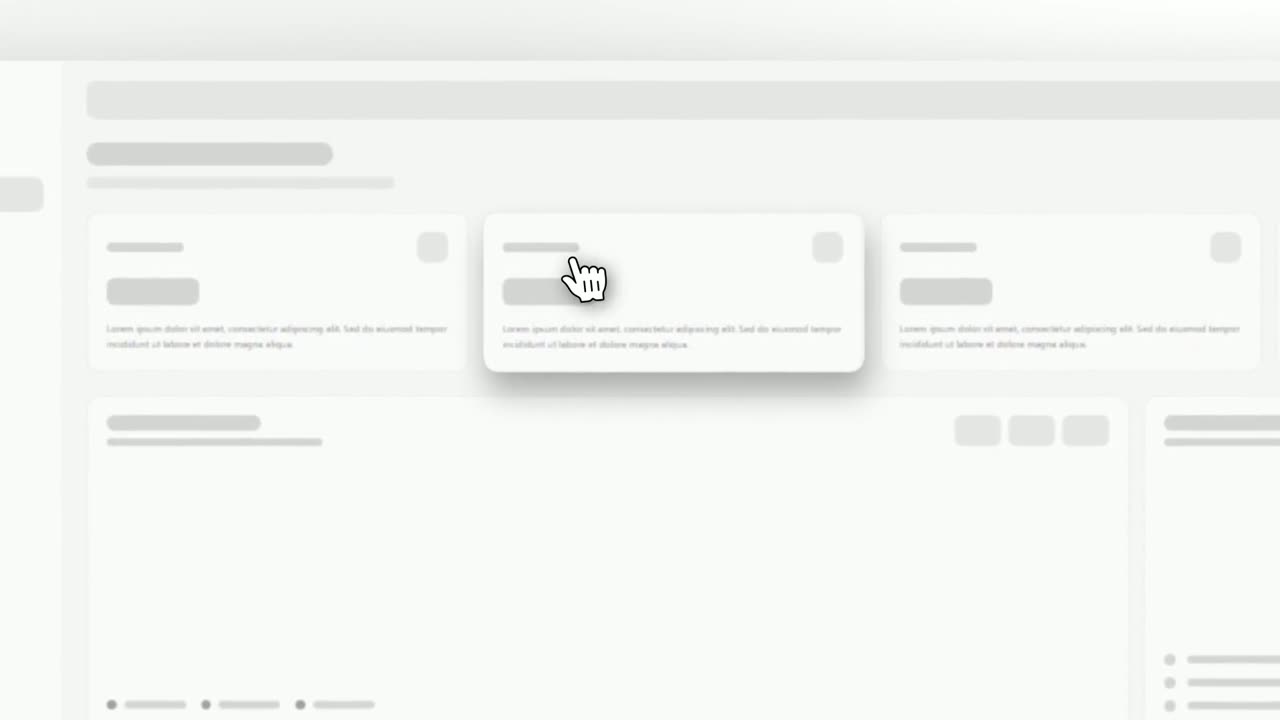
Cursor Select
Cursor Select is a five-second scene that opens on your whole product page, moves the camera in on one control, lifts it slightly and has a cursor…
Feature · your real UI
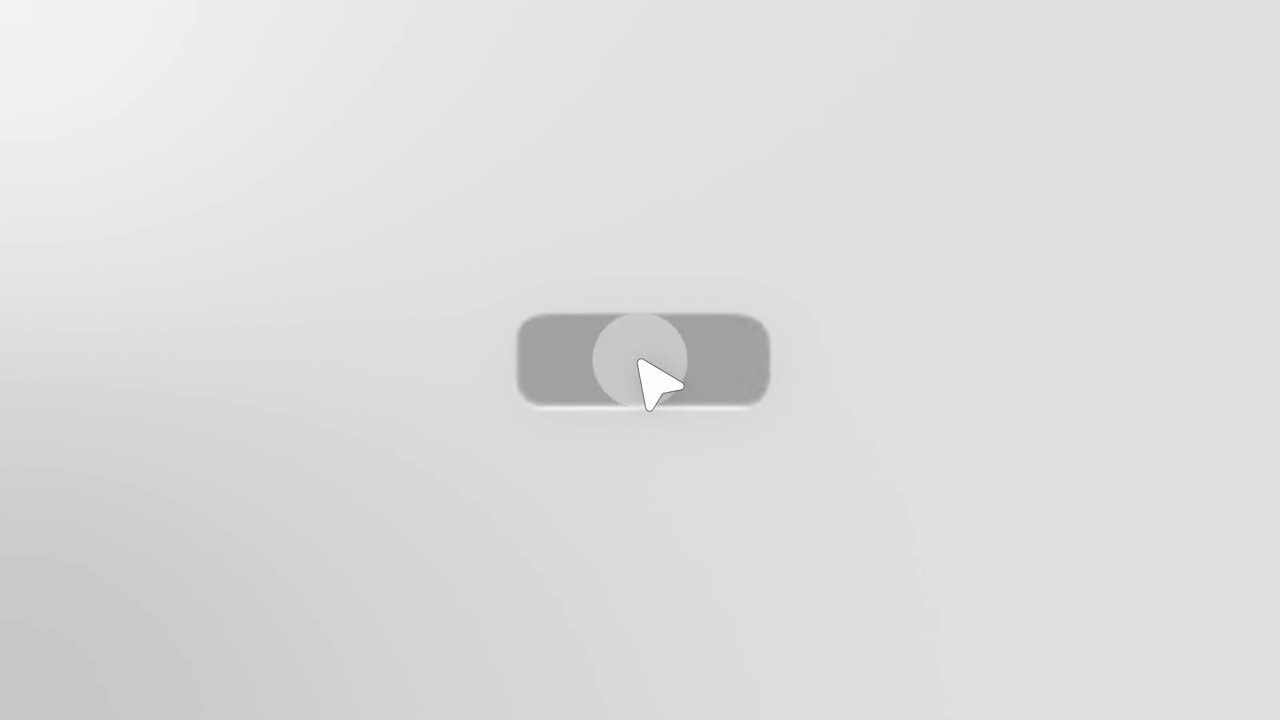
Simple Button Press
Simple Button Press is a button press animation that puts one real button from your product alone on a clean background and has a cursor click it.
Ending
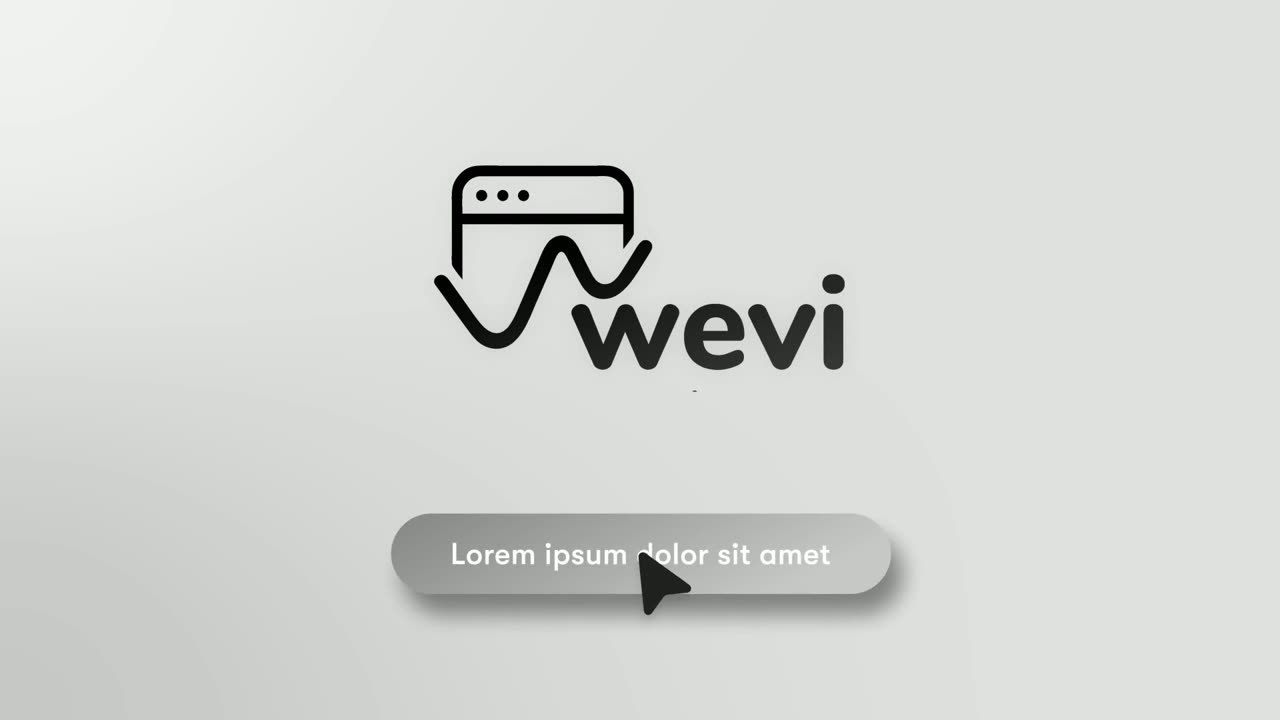
Call to Action
Call to Action is a call to action end screen: your logo appears, then a button that a cursor clicks, telling the viewer exactly what to do next.
Questions
Which button should I choose for Floating Button Press?
A filled, clearly labelled primary action. Outline or text-only buttons look weak floating alone.
How does it compare with Cursor Select and Simple Button Press?
Cursor Select clicks the button in place on the page, and Simple Button Press shows the button alone with no page. Floating Button Press does both: the page first, then the button on its own.
Is it better for complex products?
It suits products with dense screens, because it shows the richness of the page and then reduces it to one easy action.
Put Floating Button Press in your next video
Describe the video in a sentence. The Wevi Agent reads your site, captures your product, plans the scenes and renders with voiceover and music. Start free.
Or ask your assistant: Make a launch video for mysite.com with Wevi and open on the Floating Button Press scene