
Typecast: a text to UI animation where your headline becomes the product
Typecast is a text to UI animation: a short headline appears, then up to three of its words are swapped for the real interface pieces they name, and those pieces fly home to their places as your product page cuts in behind them. It states the claim and proves it in the same moment. It suits launch and feature videos where the line names things the product really has.
The preview shows placeholder content. Your video uses your UI, words, logo and colors.
- Role
- Transition
- Length
- 5 seconds
- Uses
- Your real product UI
- Format
- 16:9, up to 4K
What it looks like
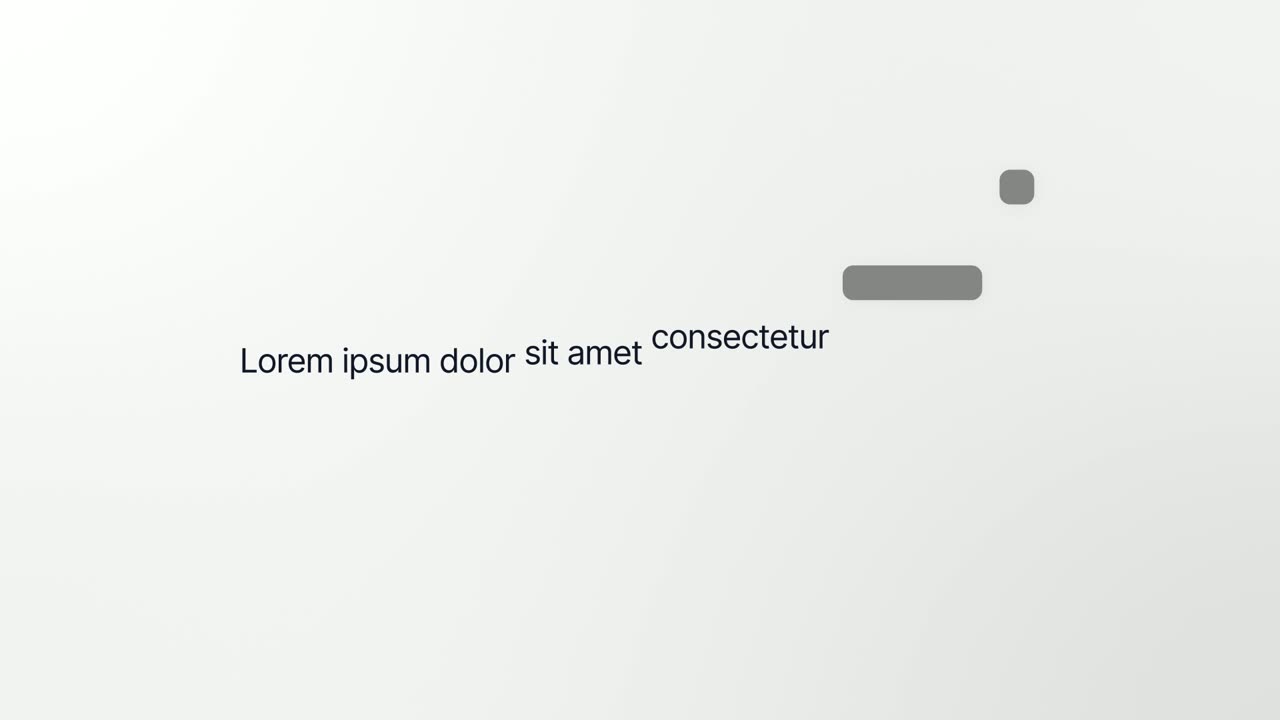
A short sentence appears with a small label above it. Then up to three of its words are replaced by the real interface pieces they describe, such as a button, a menu row or a small card, each sitting in the line like a word. The sentence clears, and the pieces fly back to their spots as your real page cuts in behind them. It runs about five seconds and feels clever and satisfying.
It works as an opening or as the first look at the product, and it feels clever and satisfying.
Best for
- Opening a launch video with a line that becomes the product
- Giving viewers their first look at the interface
- Naming the features or outputs your product creates
- Moving from a message straight into the product
What you add
- A short headline with up to three words that name real parts of your product
- A small label to sit above the headline
- One to three components captured from one page, in the order their words appear
Capture tips
- Zoom the browser in as far as you can while everything you want in the shot still fits on screen. A bigger capture stays sharper in the video.
- Capture every piece from the same page, because they all fly back to it at the end.
- Pick compact parts with a clear outline, such as a button, a menu row, a chip or a small card. Full width bars and sidebars shrink too much.
- Select them in the order their words appear in the sentence, keep them apart, and never nest or overlap them.
Videos this scene works in
Product launch video
The 30 to 45 second video for launch day: what it is, who it is for, why now.
Read the guideFeature announcement video
One new feature, shown in context, in 15 to 30 seconds.
Read the guideProduct Hunt launch video
The first item in your Product Hunt gallery, made to stop the scroll.
Read the guideWebsite hero video
A silent, looping product video for the top of your homepage.
Read the guidePairs well with
Opener · your real UI
Interface to Words
Interface to Words is a 4-second scene where your real product page breaks apart and five of its components become the words of one bold sentence.
Feature · your real UI
Feature Callout
Feature Callout is a quick, three-second scene where a few words appear, one real piece of your interface sits in the line as if it were a word, and…
Opener · your real UI
Hero Showcase
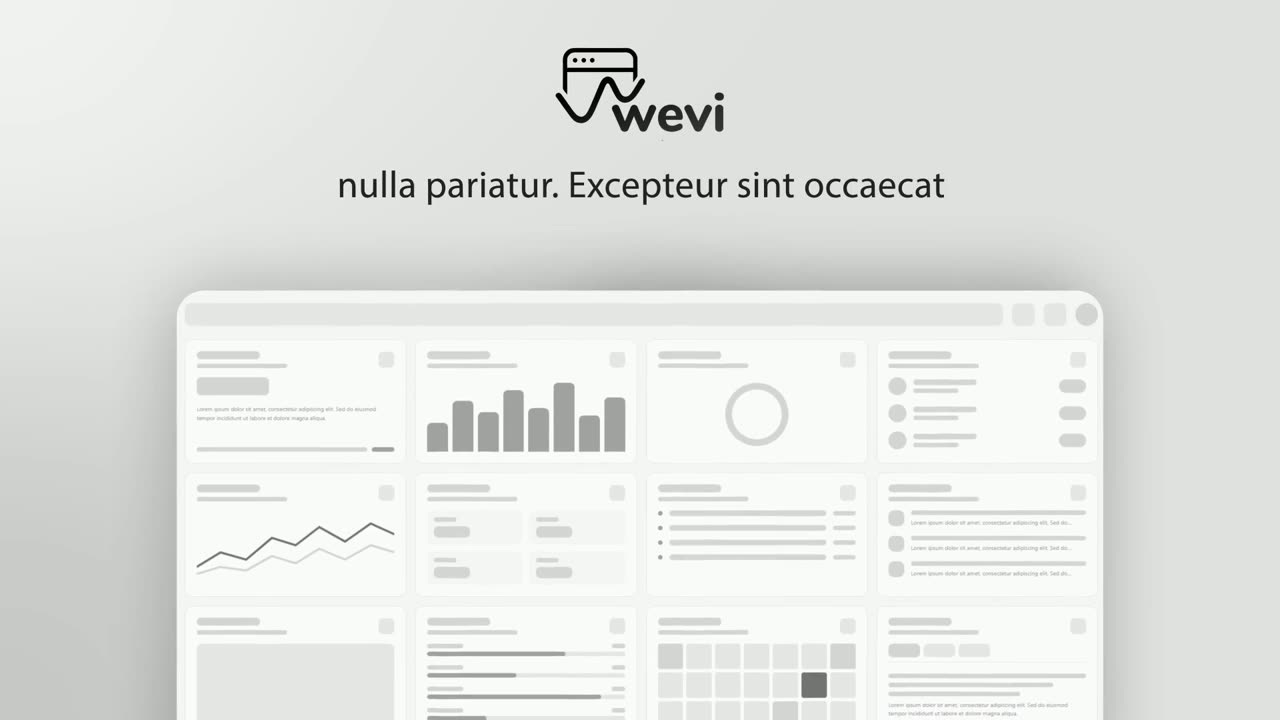
Hero Showcase is a 4-second scene that goes from your brand straight into your product: your logo sits in the center with two short headlines, then…
Questions
How is Typecast different from Interface to Words?
They are mirror images. Typecast goes from message to product, turning words into interface pieces. Interface to Words goes from product to message, breaking the page into the words of a statement.
Can the swapped components come from different pages?
No. All of them must come from the same page, because they fly back to their real places on it at the end.
How many words can be swapped?
Up to three, and each one must name something that really exists on the captured page.
Put Typecast in your next video
Describe the video in a sentence. The Wevi Agent reads your site, captures your product, plans the scenes and renders with voiceover and music. Start free.
Or ask your assistant: Make a launch video for mysite.com with Wevi and open on the Typecast scene