
What Product Hunt requires
These are the media rules in Product Hunt's own help center and launch guide at the time of writing. Check them again before you submit, since they can change.
- YouTube only. Product Hunt supports video only as a YouTube link, so you cannot upload a video file directly.
- Full URL. Paste the full YouTube address. Shortened links will not load.
- Not private. Upload the video ahead of launch day and confirm it is not set to private.
- Gallery images. The recommended size is 1270x760, and you need at least two images before the gallery shows on your post.
- Thumbnail. Square, 240x240 recommended, under 3MB. Animated GIFs are allowed, but Product Hunt asks you to avoid strobing, quick cuts and unreadable text.
- Tagline. 60 characters maximum.
Product Hunt does not set a video length, and it describes video as helpful but not always necessary. Its launch guide notes that about 53% of products that reached Product of the Day since 2021 included one.
Who is watching and what they need to see
Product Hunt visitors are mostly makers, early adopters and people who browse new tools for work or for fun. They scroll past many launches in a day, they are comfortable with software, and they are good at spotting vague promises. A few things follow from that:
- Show the product in the first five seconds. This audience wants to see the interface, not a mood piece.
- Match your tagline. The first line of the video should say the same thing as your 60-character tagline, so the page and the video reinforce each other.
- Show the core loop. The input, the product doing its work, the output. If people can see the loop, they can judge whether it is useful to them.
- Sound like a maker. Plain, specific and a little personal reads better here than polished ad copy.
Many visitors never press play, so the video does not replace a strong gallery and a clear first comment. It is the quickest way for the people who do press play to understand what you built.
A 30-second structure for your launch page
- The pitch, 0 to 5 seconds. Your tagline idea, with the product already on screen.
- The input, 5 to 10 seconds. What the user gives your product: a prompt, a file, a link, a few clicks.
- The work, 10 to 17 seconds. A brief moment of processing, then the result building on screen.
- The proof, 17 to 24 seconds. The thing that makes it worth trying: the output in use, responses arriving, how little effort it took.
- The invitation, last 5 seconds. Logo and one action, such as trying the free plan or claiming a launch-day offer.
Do not end by asking for upvotes. Product Hunt's launch guide says asking specifically for upvotes is against its policies, and it suggests asking for feedback, comments and help spreading the word instead. "Try it and tell us what you think" is both allowed and more useful, because the comments you get back are the real value of launch day.
Upload and gallery checklist for launch day
Handle the logistics a few days before launch, not at midnight:
- Upload the final video to YouTube with your product name and tagline as the title, and confirm the visibility setting is not private.
- Paste the full YouTube URL into your Product Hunt draft and preview the post to make sure it plays.
- Prepare at least two gallery images at 1270x760 that use the same colors and screens as the video, so the gallery reads as one piece.
- Make one gallery image a clear shot of the core result, for visitors who never press play.
- Write the first comment: who you are, why you built it and what feedback you want.
- Have the same video ready as a native upload for your launch-day posts on LinkedIn and X, so you are not only sharing a link.
After launch, keep using it. The same video can become your homepage clip, the link in your first sales emails and the first upload on your YouTube channel.
A 29-second Product Hunt video for Snapform (a fictional AI form builder), scene by scene
Every scene below is a real Wevi template; open one to see it move. The narration runs at a natural pace of about 2.4 words a second, so it fits the scene.
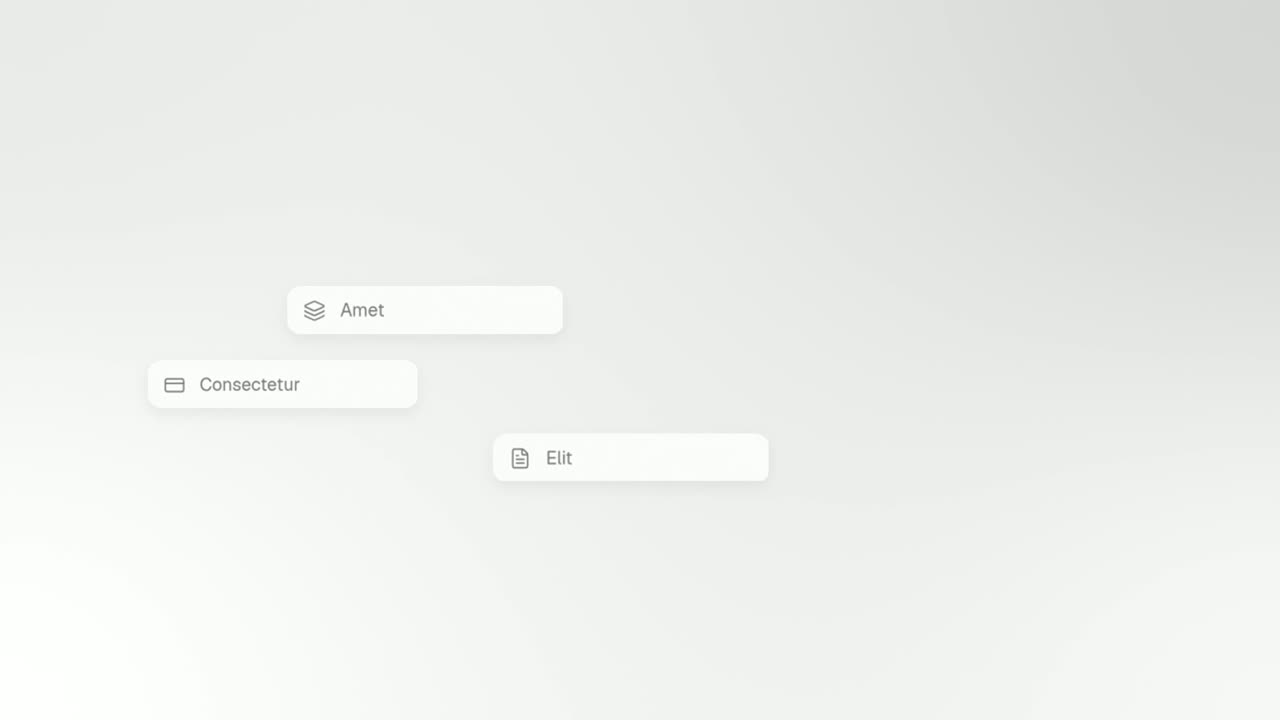
01Pitch0-5 sec
The line "Turn a sentence into a form" appears under a small Snapform label. The words sentence and form swap for the real prompt field and the real form card, then the product page cuts in behind them.
“Snapform turns one sentence into a working form.”
Template: Typecast. Alternatives: Pull-Back Reveal, Feature Callout.
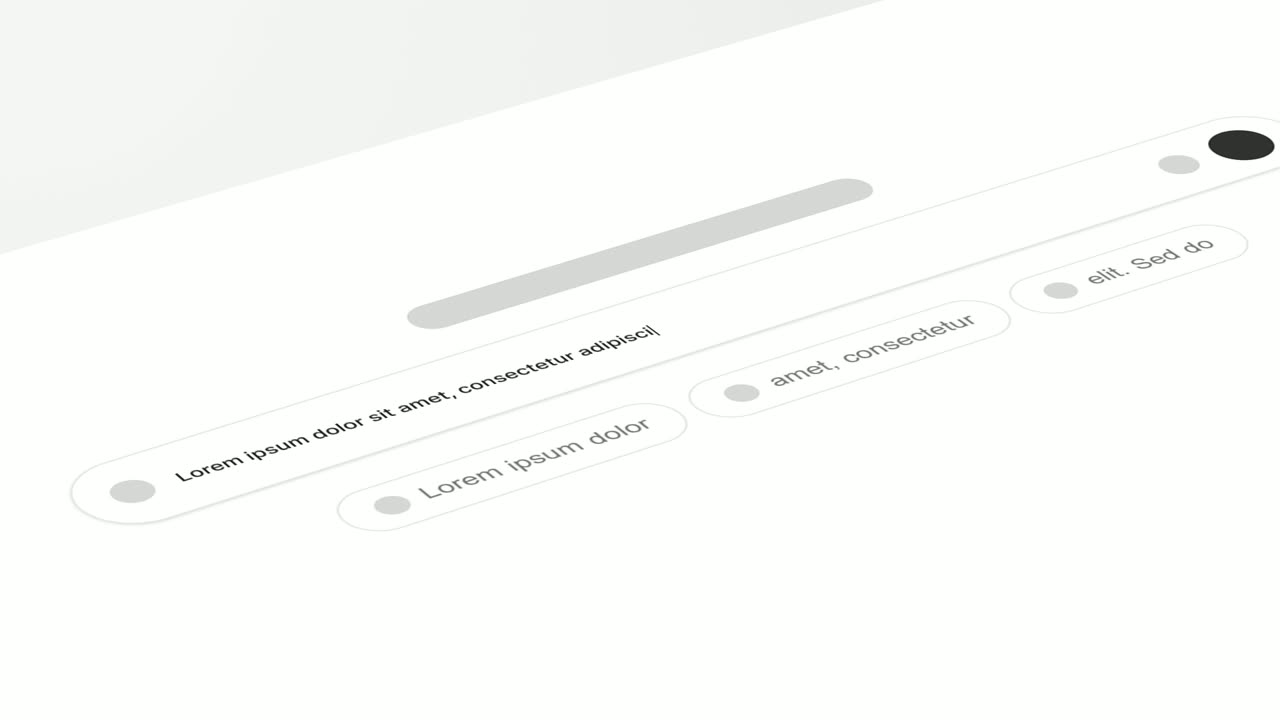
02Input5-10 sec
Snapform's real prompt field, tilted back in 3D, as "RSVP form for a 40-person workshop" types in letter by letter.
“Describe the form you need in plain words.”
Template: Tilted Type-In. Alternatives: Text Typing In, Search Reveal.
03The work10-13 sec
A glowing status line, "Building your form", pulses on a quiet background.
“Snapform picks the fields and the logic.”
Template: Text Glow Loading State. Alternatives: Loading Dots.
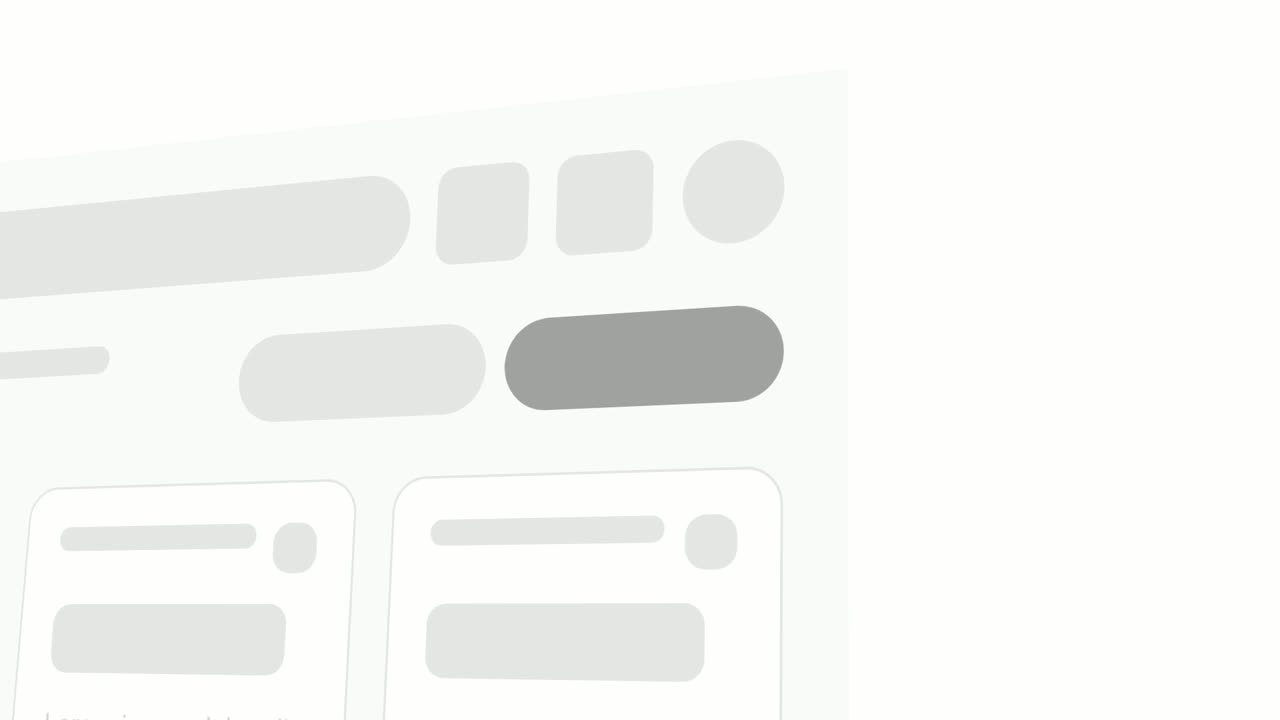
04Result13-17 sec
A close look at the real form builder as the name, email, session and dietary fields pop in one after another.
“Every field is ready to edit or share.”
Template: Pop-in Reveal. Alternatives: Rise & Reveal, Window Rise.
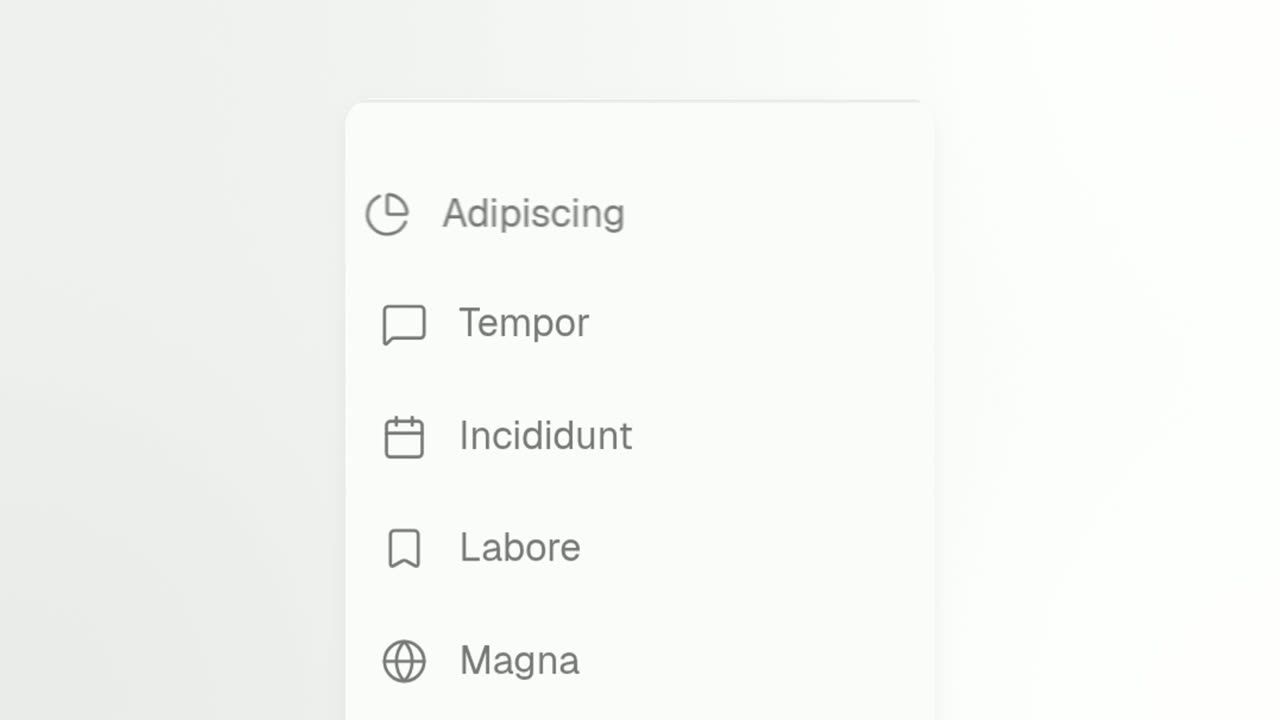
05Proof17-20 sec
The real responses list as three new responses slide in at the top, each with a sweep of light.
“Share the link, and responses arrive.”
Template: Push Down. Alternatives: Notification Pop.
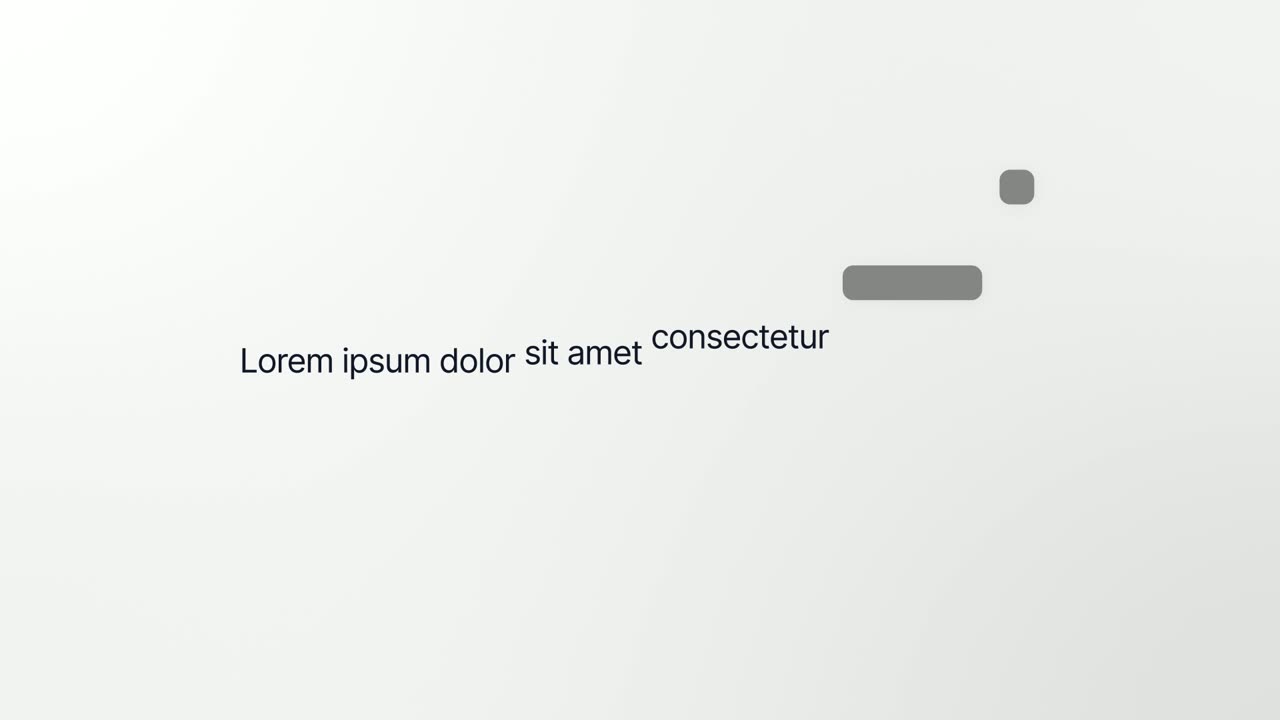
06Takeaway20-24 sec
The form page breaks apart and five of its components become the line "Your next form is one sentence away".
“Your next form is one sentence away.”
Template: Interface to Words. Alternatives: Caret Collapse.
07Invitation24-29 sec
The Snapform logo appears, then a "Try it free" button that the cursor clicks.
“Try Snapform free today and tell us what you think.”
Template: Call to Action. Alternatives: Logo Unfold.
Checklist
- Show the product on screen within the first five seconds.
- Make the opening line say the same thing as your 60-character tagline.
- Show the core loop: the input, the product working, the result.
- Keep it between 30 and 60 seconds.
- End on trying the product or a launch offer, never on asking for upvotes.
- Upload to YouTube a few days early and confirm it is not set to private.
- Paste the full YouTube URL, not a shortened link, and preview the post.
- Prepare at least two 1270x760 gallery images that match the video.
- Watch it muted: the on-screen text should tell the story without audio.
Mistakes to avoid
- Asking for upvotes in the video
- Product Hunt's launch guide says asking specifically for upvotes is against its policies. Invite people to try the product and leave feedback instead.
- A cinematic intro with no product
- Product Hunt visitors want to judge the tool itself. If the interface does not appear in the first few seconds, many will scroll on.
- A shortened or private YouTube link
- Product Hunt needs the full URL, and the video must not be set to private. Test the link in your draft before launch day.
- A video that disagrees with the tagline
- If the tagline says one thing and the video leads with another, visitors get two pitches and remember neither. Use the same idea in both.
- Leaning on the video alone
- Many visitors only skim the gallery and the first comment. Make sure your images and text explain the product even if nobody presses play.
How to make it with Wevi
Add your website
Paste your URL and Wevi pulls your logo, colors and fonts, so the video, the gallery images and the launch page all look like one product.
Storyboard the core loop
Give the Wevi Agent your tagline and the loop you want to show, input, work and result, and it drafts the scenes, on-screen text and narration. Or pick templates directly from the recipe above.
Capture your real product
Wevi opens your app in a real browser and lifts out the prompt field, cards or results you choose. For anything behind your login you sign in yourself; Wevi never asks for your password.
Render, then upload to YouTube
Add an AI voiceover and music, render in 16:9 at 1080p or higher depending on your plan, and upload the file to YouTube for your Product Hunt post. You can also ask Claude or ChatGPT to make it through Wevi's MCP connector in one conversation.
Templates for this video
Transition · your real UI
Typecast
Typecast is a text to UI animation: a short headline appears, then up to three of its words are swapped for the real interface pieces they name, and…
Transition · your real UI
Tilted Type-In
Tilted Type-In is a 3D typing animation: your real product screen lies tilted back and the camera glides along one line as it types itself into a…
Feature · your real UI
Pop-in Reveal
Pop-in Reveal is a four-second detail shot where your real page is tilted in 3D, seen close up, and up to seven chosen components pop into being one…
Feature · your real UI
Push Down
Push Down is a short activity feed animation built from a list captured in your own product.
Opener · your real UI
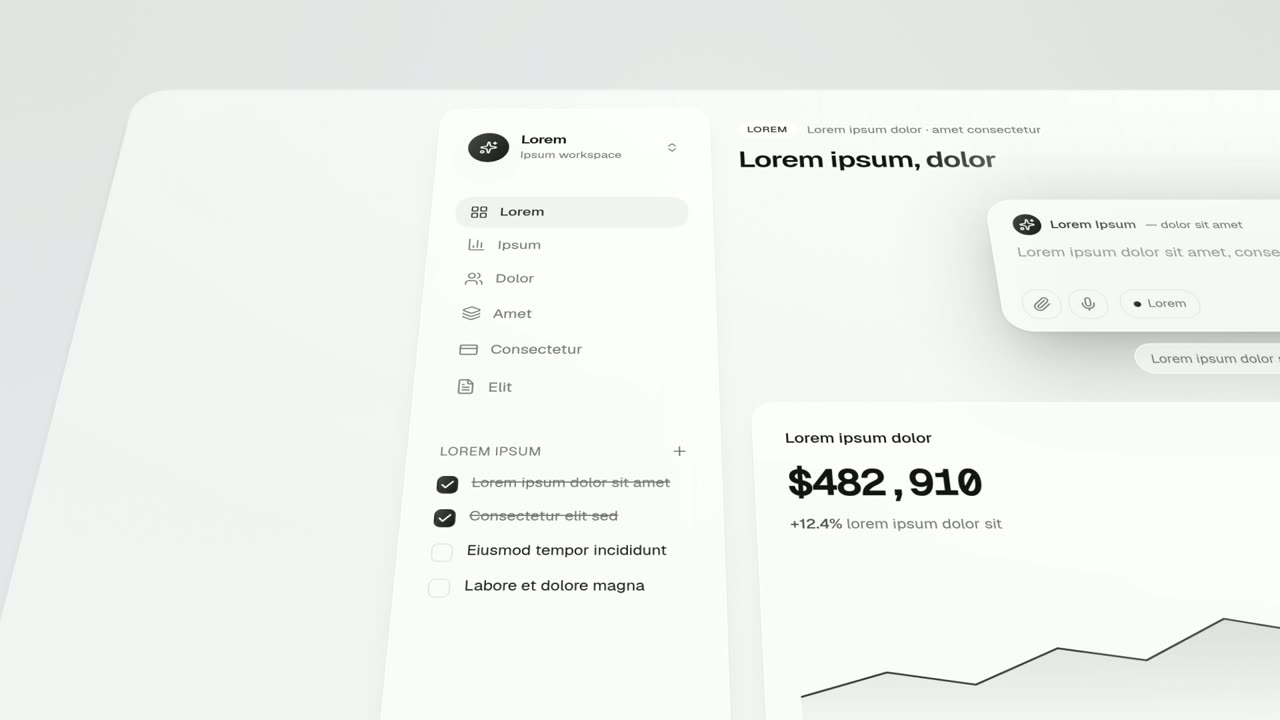
Interface to Words
Interface to Words is a 4-second scene where your real product page breaks apart and five of its components become the words of one bold sentence.
Feature · your real UI
Feature Lineup
Feature Lineup is a five-second scene where a set of real interface pieces flies up into a clean, centered lineup in front of their own page, then…
Questions
Does Product Hunt require a video?
No. Product Hunt describes video as helpful but not always necessary, and its launch guide notes that about 53% of products that reached Product of the Day since 2021 included one. Add one if your product is clearer in motion than in still images, which is true for most software.
How do I add a video to my Product Hunt launch?
Upload the video to YouTube, confirm it is not set to private, and paste the full YouTube URL into your launch's media. Product Hunt supports only YouTube links for video, and shortened links will not load.
How long should a Product Hunt video be?
Product Hunt does not set a length. 30 to 60 seconds is a good range: long enough to show the core loop, short enough that someone browsing many launches will finish it.
Can I upload an MP4 file to Product Hunt directly?
No. Product Hunt only supports YouTube links for video, so export your MP4, upload it to YouTube and use that link. Do it a few days early so you can check that it plays in your draft.
What should the video ask viewers to do?
Try the product, claim a launch offer if you have one, or leave feedback in the comments. Do not ask for upvotes, because Product Hunt says that is against its policies.
Can I use the same video after launch day?
Yes. A video made for Product Hunt usually works as your homepage clip, in sales emails and on LinkedIn and X. Update the call to action if it mentioned a launch-day offer.
Related guides
Product launch video
The 30 to 45 second video for launch day: what it is, who it is for, why now.
Read the guideLinkedIn and X product video
Product videos that work in LinkedIn and X feeds, sound off.
Read the guideSaaS promo video
A punchy promo for ads, social and email, built from your product.
Read the guide