
What the hero video is for
The hero video answers the question every visitor has in the first few seconds: what does this product actually look like? Your headline says what you do. The video proves it with the real interface moving. It does not replace the headline, and it should never be the only place your value proposition lives, because some visitors will only ever see the poster frame, a slow-loading box or nothing at all.
Most SaaS sites get the best of both by using two videos:
- A silent loop of 12 to 20 seconds that autoplays muted in the hero. It shows three or four product moments and starts over without a jarring jump.
- A narrated version of 30 to 45 seconds behind a Watch the video button or in a modal. It adds voiceover, music and a fuller story for visitors who chose to watch.
Keep your call to action in the page HTML next to the video, not inside it. A button drawn into a video looks clickable and is not.
Autoplay, muted, loop: what browsers allow
Browsers decide whether your hero video can start on its own, and the rules favor silent video. Chrome's autoplay policy states that muted autoplay is always allowed, while autoplay with sound depends on conditions such as the visitor having already interacted with the site. On iPhone, Safari lets a muted video autoplay without a tap, and the playsinline attribute keeps it playing in the page instead of jumping to fullscreen.
So a hero loop needs four attributes on the video element, autoplay, muted, loop and playsinline, plus a poster image for the moment before playback starts.
Two accessibility points matter too. WCAG 2.2 success criterion 2.2.2 says that moving content which starts automatically, lasts more than five seconds and sits alongside other content needs a way to pause, stop or hide it, so add a visible pause button. And respect the reduced motion setting: when a visitor's system asks for reduced motion, show the poster image instead of playing the loop.
File size and page speed
A hero video sits at the top of your most visited page, so its weight shows up directly in load time. Google's Largest Contentful Paint guidance treats 2.5 seconds or less as good, and for a video element it counts the poster image load or the first frame, whichever comes first. A light, compressed poster that matches the first frame is the cheapest speed win you have.
- Export at 1080p, not 4K. The hero rarely displays wider than a laptop screen, and 4K multiplies the file size for no visible gain.
- Remove the audio track from the loop file. A muted video still downloads its audio unless you strip it out.
- Compress for the web. Serve an H.264 MP4, optionally with a smaller WebM listed first.
- Keep the loop short. Every extra second adds bytes. Aim for a loop of a few megabytes and test the page on a throttled mobile connection.
- Load the narrated version only on click, from a video host or CDN, so it never competes with the page.
Design a loop that works with no sound
Because nobody hears the hero video, the visuals and on-screen text carry everything. Plan four or five scenes that each make one point you could say in a few words, and keep the type large: the video often renders at half the width of the screen or less, so small interface text becomes unreadable.
- Start with context. Logo, one short line and the product together, so a visitor who glances once still gets it.
- Show the product doing something. Data arriving, a status changing, a panel filling in. Motion should mean progress, not decoration.
- Zoom in on one detail. A close-up of the component that matters reads better at hero size than a full page.
- End on a calm frame. A logo scene or a still product shot makes the jump back to the start feel intentional.
Avoid repeating your headline word for word inside the video. Let the headline make the claim and the video show the proof.
A 17-second hero loop for a sample client onboarding tool, scene by scene (narration is for the click-to-play cut)
Every scene below is a real Wevi template; open one to see it move. The narration runs at a natural pace of about 2.4 words a second, so it fits the scene.
01Context0-4 sec
The Pathnote logo arrives, then two short lines build on one side, Client onboarding and without the email chase, while the real onboarding portal builds in a window on the other.
“Pathnote gives every new client one clear onboarding portal.”
Template: Opening Platform Reveal. Alternatives: Hero Showcase, Cinematic Hero.
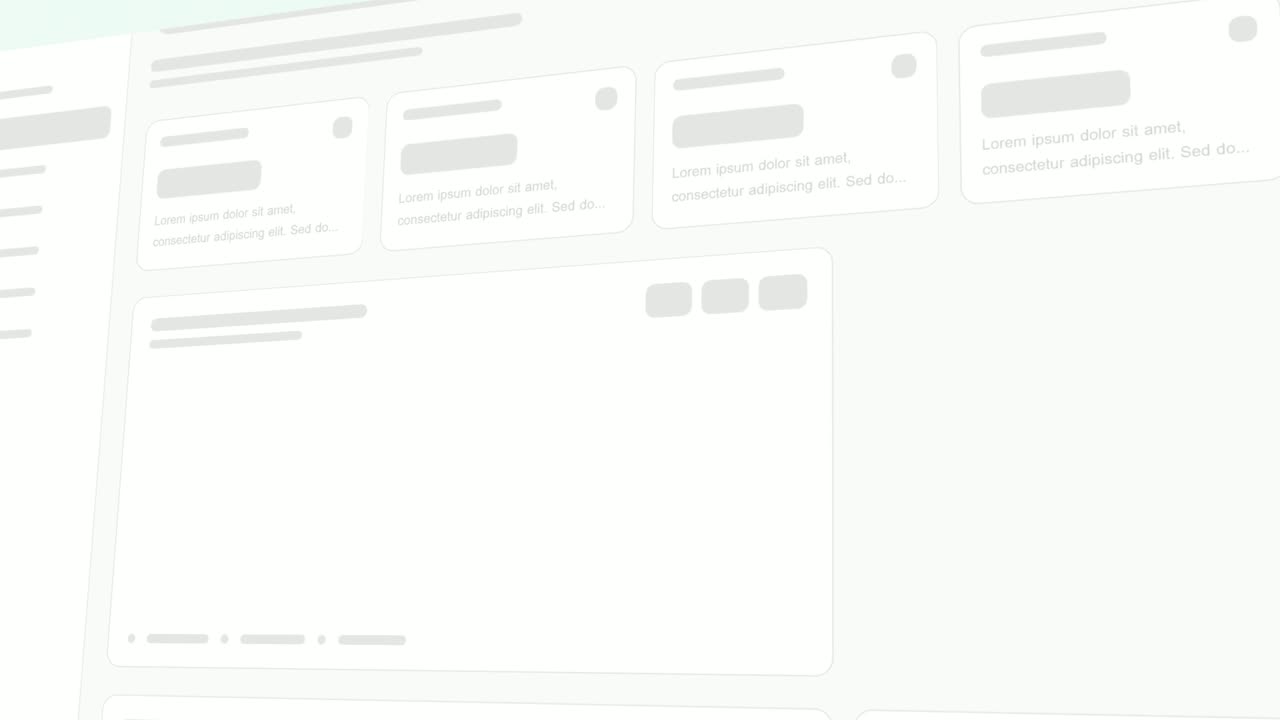
02Product4-8 sec
The top of the real portal tilts in 3D as task cards, file panels and sign-off steps rise into place one after another until the screen is full.
“Tasks, files and sign-offs build into one shared plan.”
Template: Rise & Reveal. Alternatives: Sweep and Reveal, Window Rise.
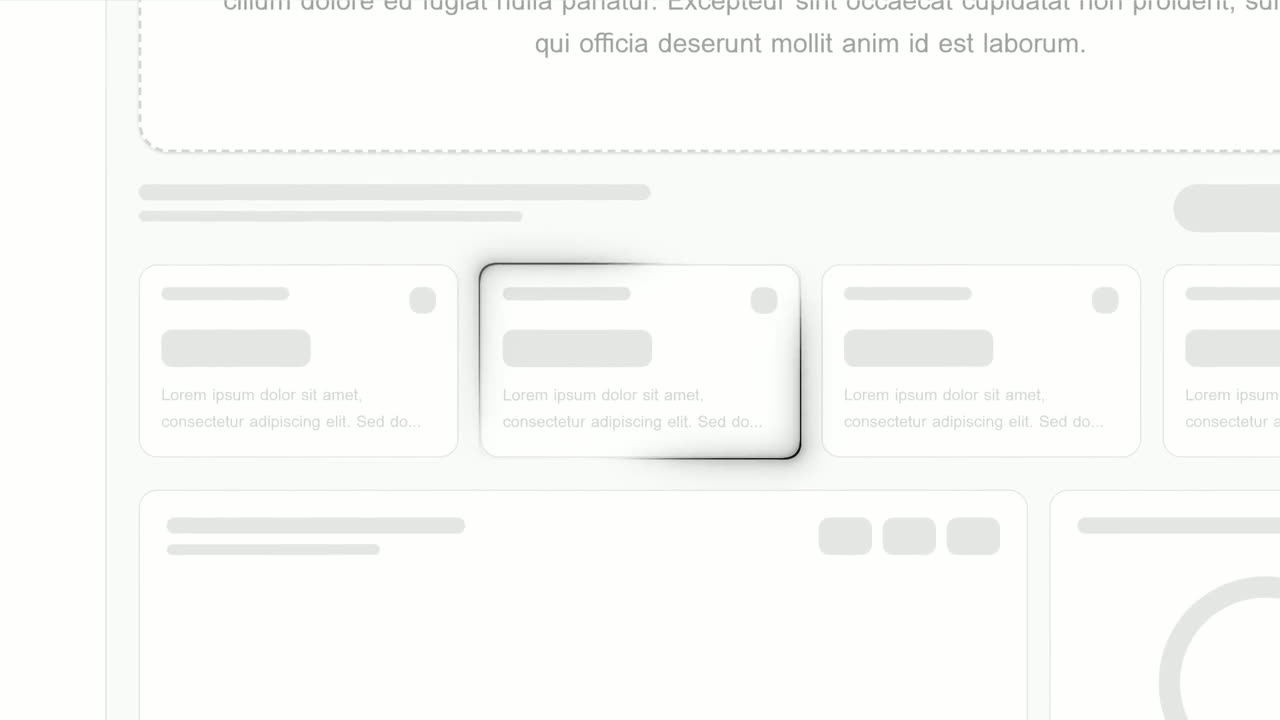
03Detail8-11 sec
The page zooms in and a glowing outline draws itself around the Waiting on client status card.
“See exactly who is waiting on whom.”
Template: Focus Outline. Alternatives: Feature Drop-In.
04Momentum11-14 sec
A close-up on the real activity list as its rows snap down and newly finished steps slide in at the top.
“Every finished step shows up instantly.”
Template: Push Down. Alternatives: Drop Into Place.
05Sign-off14-17 sec
The name Pathnote rises and settles, then the logo cuts in beside it and the pair centers, a calm frame that loops cleanly back to the start.
“Pathnote. Onboarding, handled.”
Template: Logo Nudge. Alternatives: Logo Unfold, Logo Glint.
Checklist
- The loop runs 12 to 20 seconds and makes sense from any frame
- The video element has autoplay, muted, loop and playsinline
- The audio track is removed from the loop file
- A compressed poster image matches the first frame
- Exported at 1080p and compressed for the web, not shipped as a 4K file
- A visible pause button, since the motion runs longer than five seconds
- Visitors with reduced motion turned on see the poster instead
- The headline and signup button work even if the video never loads
- On-screen text is readable at the size the hero actually renders
- The narrated version loads only when someone clicks play
Mistakes to avoid
- Shipping the 4K file
- A 4K hero adds megabytes that no laptop screen shows. Export 1080p and compress it before upload.
- Leaving the audio in a muted loop
- The browser still downloads an audio track it never plays. Strip it from the loop file.
- Putting the message in the voiceover
- Muted autoplay means nobody hears the narration. Every point the loop makes has to be visible.
- Drawing a button into the video
- Visitors try to click it and nothing happens. Keep the real call to action in the page beside the video.
- No poster image
- Without one, visitors see an empty box while the file loads, and your Largest Contentful Paint waits on the first frame.
- Autoplaying the long version
- A 45-second narrated video is too heavy to load first, and browsers often block autoplay with sound anyway. Put it behind a play button.
How to make it with Wevi
Add your website
Paste your URL and Wevi pulls your logo, brand colors and fonts, so the loop sits naturally next to your headline instead of looking like a separate ad.
Plan a four or five scene loop
Brief the Wevi Agent for a silent homepage loop of about 15 seconds, or pick templates yourself. Opening Platform Reveal or Hero Showcase make a strong start, and a logo scene such as Logo Nudge makes the restart look deliberate.
Capture your real product
Wevi opens your live app in a real browser and lifts out the cards, lists and panels you pick. You sign in yourself for screens behind your login, Wevi never asks for your password, and a demo workspace with clean, realistic data looks best.
Render both versions
Export a 1080p 16:9 MP4 with AI voiceover and music for the click-to-play version, then build a shorter four or five scene cut for the loop and strip its audio before upload. You can also ask Claude or ChatGPT to make it in one step through Wevi's MCP connector, set up at wevi.ai/mcp.
Templates for this video
Opener · your real UI
Opening Platform Reveal
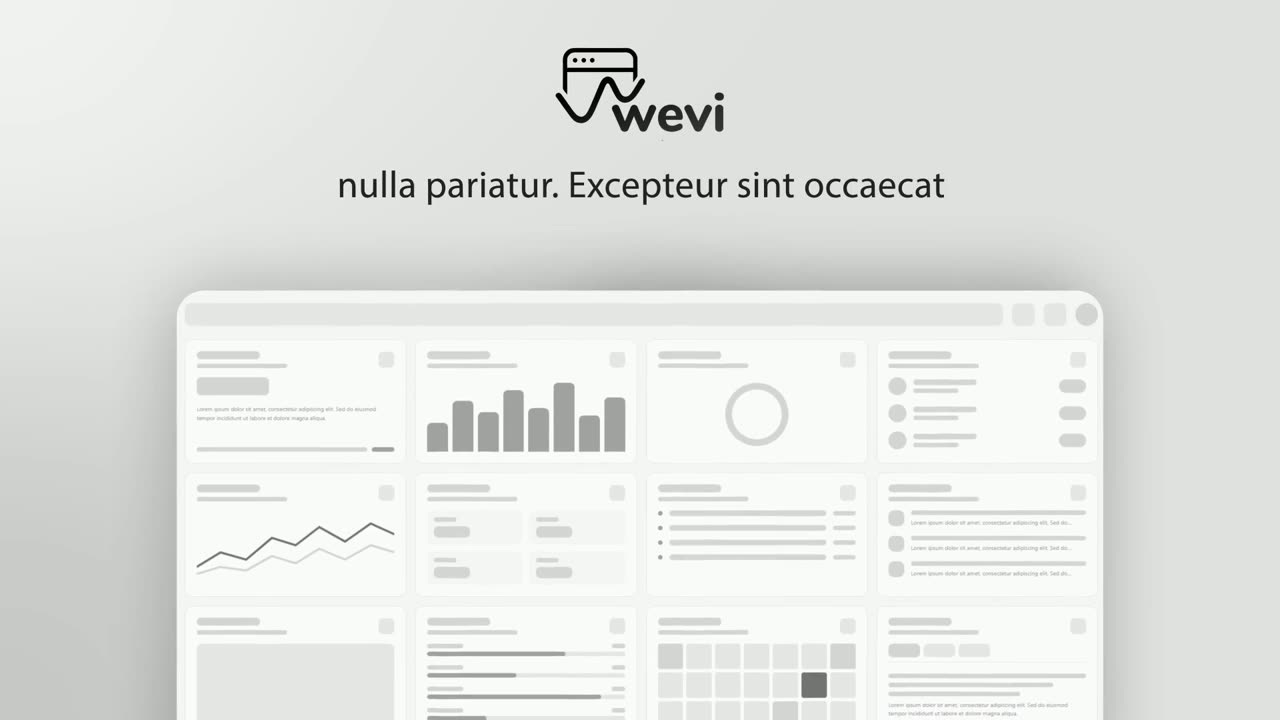
Opening Platform Reveal is a 4-second intro where your logo arrives first, then two short title lines build on one side while your real product…
Opener · your real UI
Hero Showcase
Hero Showcase is a 4-second scene that goes from your brand straight into your product: your logo sits in the center with two short headlines, then…

Feature · your real UI
Cinematic Hero
Cinematic Hero is a five-second mood shot where the camera drifts slowly over one corner of your real product page with shallow focus, soft light and…
Feature · your real UI
Rise & Reveal
Rise & Reveal is a 3D dashboard animation where your real product page tilts back and its cards and panels rise into place one after another until…
Opener
Logo Nudge
Logo Nudge is a 3-second brand scene where your brand name rises and settles, then your logo cuts in beside it and nudges the name over until the…
Questions
Should a SaaS homepage have a video?
If your product has a visual interface, a short loop shows what it looks like faster than static screenshots and gives visitors something concrete next to your headline. It should support the headline, not replace it. Test it against a strong static image before assuming either one wins.
Should a homepage video autoplay?
Autoplay the silent loop only. Chrome always allows muted autoplay but restricts autoplay with sound, and Safari on iPhone allows muted inline playback with the playsinline attribute. Put any narrated version behind a play button so visitors choose to hear it.
How long should a website hero video be?
Keep the autoplay loop between 12 and 20 seconds so it stays light and visitors see the full cycle. A narrated version behind a play button can run 30 to 45 seconds. If it needs to be longer, it is really a demo video and belongs further down the page.
What file size should a hero video be?
There is no official limit, so set a budget against page speed instead. Google treats a Largest Contentful Paint of 2.5 seconds or less as good, and for video it measures the poster or the first frame. In practice that means a 1080p loop of a few megabytes with no audio track and a light poster image.
Can I use a YouTube embed as my hero video?
For the narrated version, yes, as long as it loads on click. For the autoplay loop, a small self-hosted MP4 is usually better, because an embedded player loads its own scripts and controls before anything plays.
Does Wevi make a vertical version for mobile?
No. Wevi exports landscape video at 16:9 or 16:12, not 9:16. A 16:9 loop scales down fine in a mobile hero; if it becomes too small to read, show the poster image on small screens instead.
Related guides
Product demo video
Show the product working, step by step, in your real interface.
Read the guideSaaS promo video
A punchy promo for ads, social and email, built from your product.
Read the guideSaaS explainer video
Problem, solution, proof. Explain what your software does in under a minute.
Read the guide