
The money is the news, the product is the story
A funding round is a reason to talk, not a reason to watch. Investors and the press care about the amount and who led it. Almost everyone else who sees your announcement, including customers, prospects and candidates, is asking a different question: what does this mean for me?
So build the video the way you would build a product video, with the raise as one clear scene inside it:
- The problem you solve, in your customer's terms.
- The product solving it, shown in your real interface.
- The round, stated once: stage, amount if you are disclosing it, lead investor.
- What changes for customers because of it.
- One action: try the product, book a demo or see open roles.
A good rule of thumb is one scene about the money for every four or five about the product and the customer. A round is also one of the few moments when people outside your market pay attention to you, so use that attention to show them what you actually make.
What to say about the round, and what to clear first
Funding announcements involve other people's names and sometimes a press timeline, so settle the facts before you write the script.
- Disclosure. Decide with your investors whether you will share the amount. Both choices are common; what matters is being consistent across the video, the post and any press release.
- Names. Get each investor's consent before naming them. Name the lead clearly and agree on how to order the rest.
- Timing. If a publication has your story under embargo, publish the video only after their article is live.
- Forward-looking claims. Promise directions, not dates. Shipping later than a date you announced in a funding video is an avoidable bad look.
On screen, keep the round to one short line and a figure, with the lead investor named in the narration or the post text. A wall of investor logos tends to read as a victory lap to the people who pay you, and it tells them nothing about the product.
Turn use of funds into customer promises
Every round has a use of funds slide, and most of it means nothing to a customer as written: hiring, go-to-market, platform investment. Translate each line into something a customer will notice.
- Hiring engineers becomes faster releases and the integrations customers have asked for.
- Expanding support becomes help in more time zones and quicker answers.
- Entering new markets becomes the product in a new language, region or industry.
- Security and infrastructure becomes the compliance and reliability larger customers require.
Show these on top of the product as it exists today. Point at the part of the interface the money will improve, rather than showing unreleased features as if they were live. If you mention something planned, label it as coming, not available.
Close with thanks. Customers who signed up early took a risk on you, and a line that credits them makes the round feel like their win as well as yours.
Where to post it, in what order
Most funding news travels through people rather than company pages, so plan the posting order before the day.
- Press first, if you have it. Wait for any embargoed article to go live.
- Founder posts. Each founder uploads the video natively on LinkedIn and X with a short personal note: why you started, what the round makes possible, thanks to customers.
- Company page and blog. Post the video on the company page and embed it in your announcement post, which holds the full details.
- Customer email. Send a version led by what changes for them, with a video thumbnail linking to the post.
- Investors and team. Give them the file and suggested copy so they can post natively rather than only resharing.
- Careers page. Funding news attracts candidates, and the video shows them what they would work on.
Feeds often start videos without sound, so the round, the product name and the key line should all be readable on screen.
A 33-second seed announcement for a sample home care scheduling tool, scene by scene
Every scene below is a real Wevi template; open one to see it move. The narration runs at a natural pace of about 2.4 words a second, so it fits the scene.
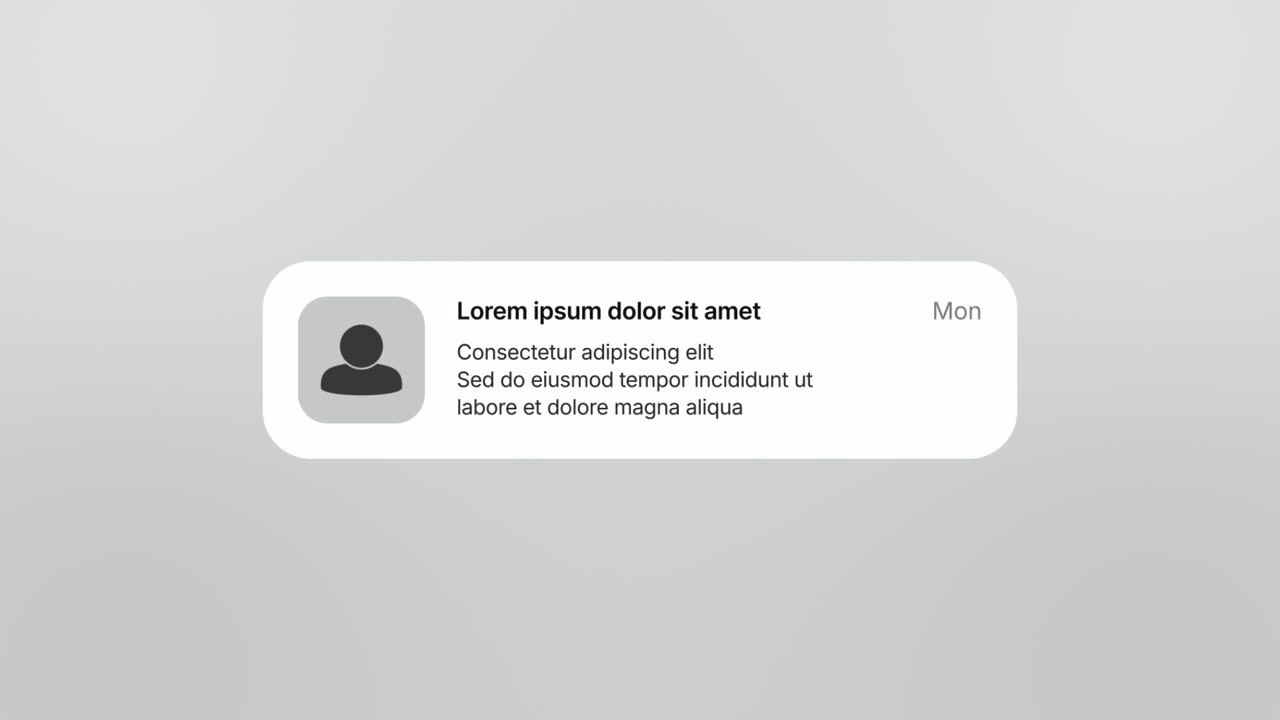
01Problem0-5 sec
An app icon with an unread badge lands and opens into a phone-style banner: Shift uncovered, 3 morning visits need a caregiver.
“Home care schedulers start most mornings with alerts like this.”
Template: Notification Pop. Alternatives: Chat Bubble, Hook Text Pop.
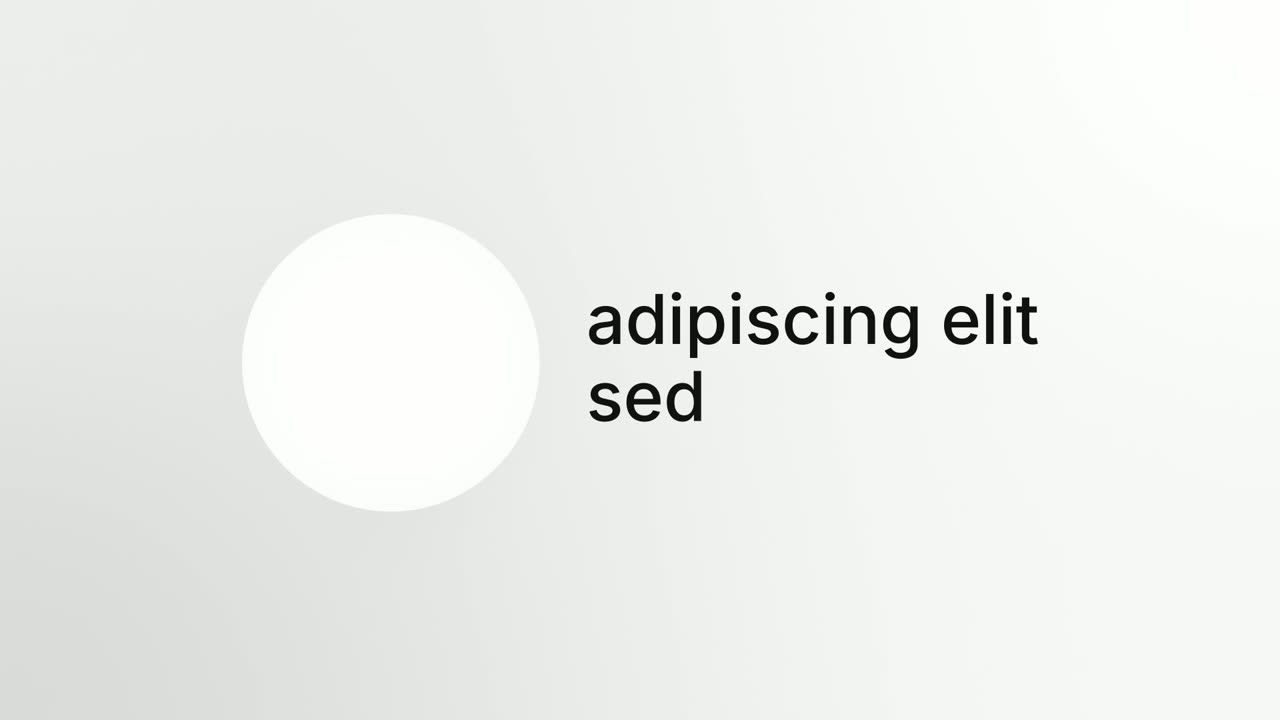
02Who we are5-12 sec
The Larkspur logo in a circle beside the name, a tagline typing under it, then the circle sweeps across and grows as two more lines follow: Scheduling for home care, and Every visit covered.
“Larkspur fills open shifts fast, so every client visit still happens.”
Template: Circle Intro. Alternatives: Opening Platform Reveal.
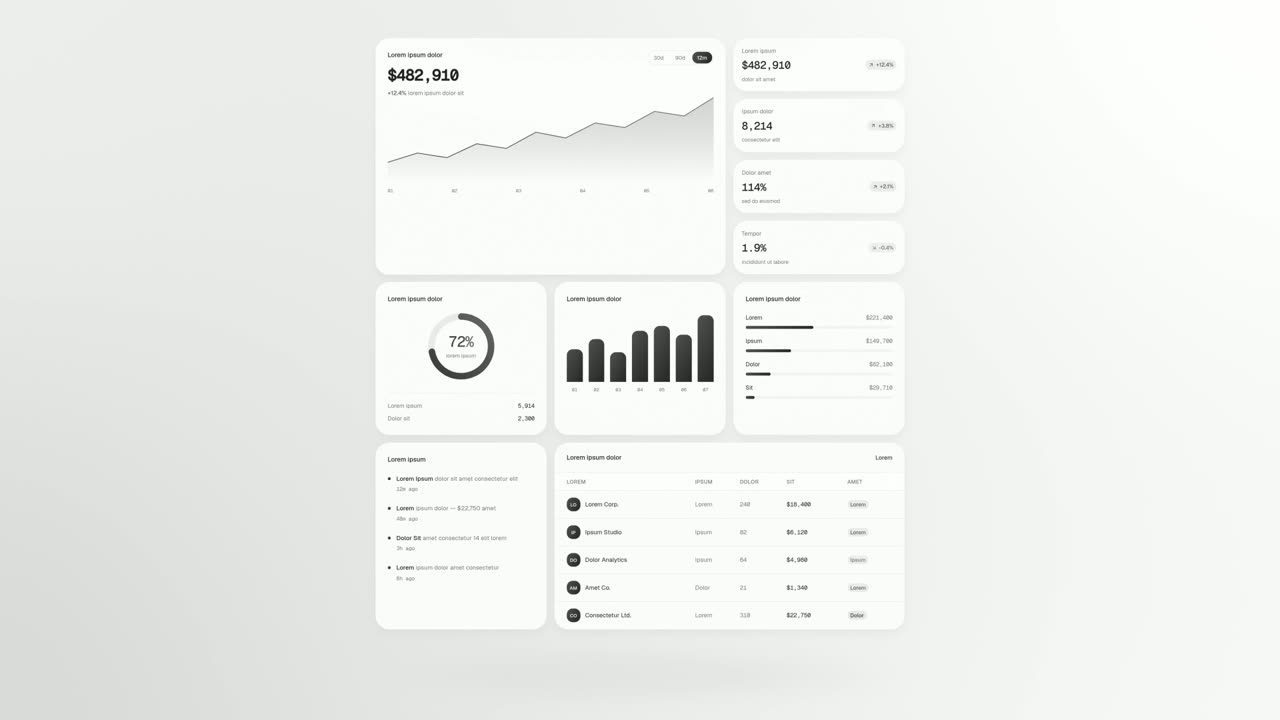
03Product12-16 sec
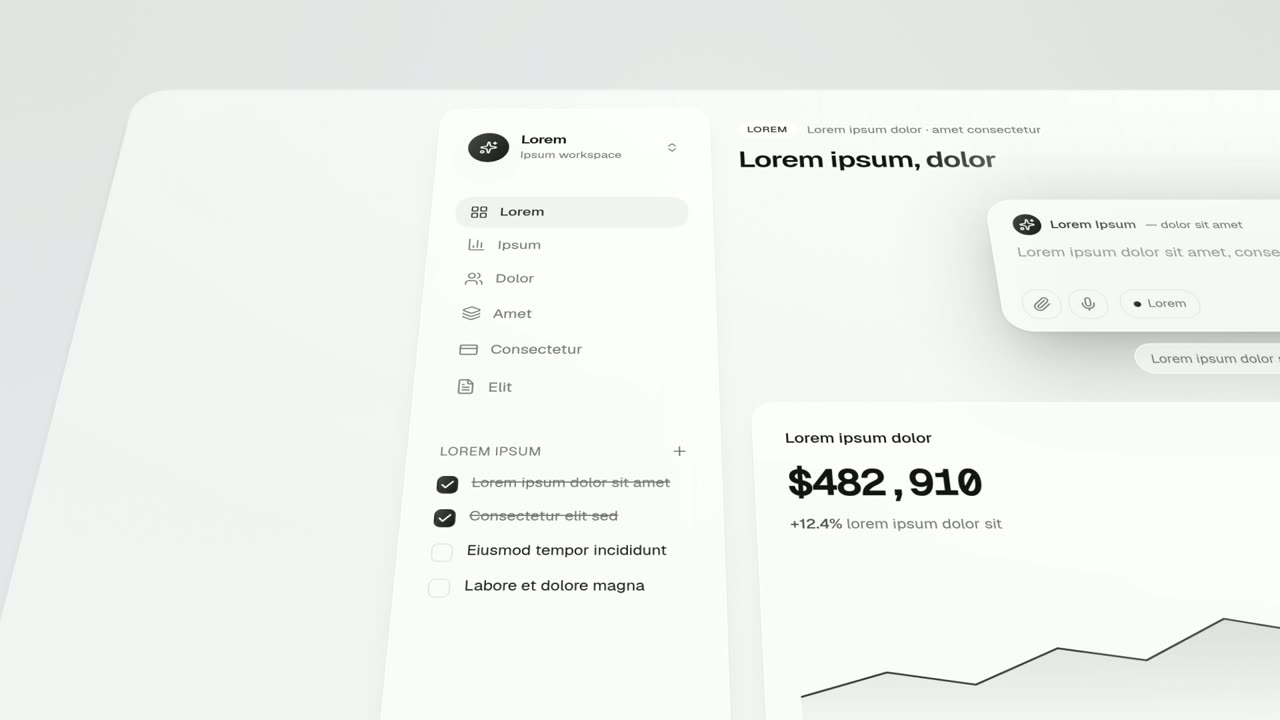
The cards of the real schedule board unfold flat, row after row: caregivers, clients, open visits and coverage.
“Every caregiver, client and open visit on one board.”
Template: UI Unfold. Alternatives: Sweep and Reveal.
04The news16-20 sec
A dial of numbers spins in under a needle and lands on $6M, then the rest of the line slides in around it: seed round to cover every visit.
“We raised a six million dollar seed round.”
Template: Dial In. Alternatives: Glow Sweep, Spotlight Text Block.
05What changes20-25 sec
The parts of today's product the round will improve, the shift matching panel, the availability card and the support chat, fly up into a lineup, then each lands back in its place on the page.
“It goes into matching, availability and support you use daily.”
Template: Feature Lineup. Alternatives: Drop Into Place.
06Thanks25-28 sec
A stack of five team photos above the opening words, then the camera pulls back as the line completes: Thank you to every agency using Larkspur.
“Thank you to every agency using Larkspur.”
Template: Avatar Stat Line. Alternatives: Team Wall.
07Call to action28-33 sec
The Larkspur logo appears, then a Book a demo button that a cursor clicks.
“Book a demo and see next week fully covered.”
Template: Call to Action. Alternatives: Logo Glint.
Checklist
- Investors have agreed to be named, and the amount is cleared to share or deliberately left out
- The release time falls after any embargoed press story goes live
- The customer problem and the product come before the money
- The round is stated once: stage, amount if disclosed, lead investor
- Use of funds is translated into outcomes customers will notice
- Only shipped features appear as live; planned work is labeled as coming
- Customers and the team are thanked
- Founder posts, the company post and the customer email are written in advance
- The round, product name and key line are readable with the sound off
- Investors and team have the video file and suggested copy to post natively
Mistakes to avoid
- Making the amount the headline
- A big number gets a reaction from founders and investors, not from customers. Put it in one scene and spend the rest on the product.
- A video about your investors
- A wall of fund logos reads as a victory lap to the people who pay you. Name the lead once and move on.
- Promising roadmap dates
- Dates announced in a funding video get remembered. Promise directions you are sure of, not delivery dates.
- Showing unreleased features as live
- Customers will look for them the same day. Show today's product and label anything planned as coming.
- Breaking an embargo
- Posting before an exclusive article is live can damage the relationship with the publication. Agree on the exact time first.
- Forgetting the customers who got you here
- Early customers took a risk on you. One line of thanks makes the round feel like their win too.
How to make it with Wevi
Add your website
Paste your URL and Wevi pulls your logo, brand colors and fonts, so the video matches your announcement post and press kit.
Plan the scenes
Give the Wevi Agent the problem you solve, the round and what changes for customers, and it drafts the scenes, on-screen copy and narration. Or choose them yourself: Circle Intro to introduce the company, Dial In for the amount and Feature Lineup for what the money improves.
Capture today's product
Wevi opens your live app in a real browser and lifts out the boards, cards and panels you choose, so the video shows real software rather than pitch deck slides. You sign in yourself for screens behind your login; Wevi never asks for your password.
Render and hand it to the team
Add an AI voiceover from Wevi's library and a music track, export a 1080p 16:9 MP4 and share the file with founders and investors to post natively. You can also ask Claude or ChatGPT to make it in one step through Wevi's MCP connector, set up at wevi.ai/mcp.
Templates for this video
Opener
Circle Intro
Circle Intro is a 7-second introduction where a round image sits beside a name while a tagline types underneath, then the circle sweeps across the…
Transition
Dial In
Dial In is a number counter animation for a single result: a dial of numbers spins in under a needle, slows and lands on your figure, then the rest…
Feature · your real UI
Feature Lineup
Feature Lineup is a five-second scene where a set of real interface pieces flies up into a clean, centered lineup in front of their own page, then…
Feature
Avatar Stat Line
Avatar Stat Line is a three-second scene that builds one short claim about people: a stack of up to five overlapping avatar photos sits above the…
Feature
Team Wall
Team Wall is a meet the team scene: sixteen profile cards float in 3D, each with a face, a name, a role and two short lines of detail, and the camera…

Opener
Glow Sweep
Glow Sweep is a 3-second title scene where a sweep of light draws one short name on a near black screen, burns it bright and carries it away.
Questions
Should a startup make a video for its funding announcement?
It is optional, but it can be worth it. A round is one of the few moments when people outside your market pay attention, and a product-led video gives them something concrete to remember. A video only about the raise rarely holds attention past the number.
What should a funding announcement video say?
What problem you solve, what the product does, the round and its lead investor, what the money changes for customers, a thank-you and one next step. Keep the round itself to a single scene.
Should we disclose how much we raised?
That is a decision for you and your investors. Some startups share the amount and some do not; what matters is agreeing in advance and being consistent across the video, the post and any press release.
How long should a funding announcement video be?
25 to 40 seconds is enough for the problem, the product, the round and a call to action. The longer story belongs in the founder's post and your blog.
Can we include our team or founders in the video?
Yes, as photos. Team Wall shows sixteen people with names and roles, and Avatar Stat Line puts up to five faces above one line. Wevi does not generate people, so use real team photos you have permission to use.
Can Wevi film our founder talking to camera?
No. Wevi cannot record or edit your own footage, and its AI voiceover comes from a voice library rather than a clone of your voice. If you want the founder on camera, record a separate clip and post it alongside the Wevi video, which carries the product story.
Related guides
Product launch video
The 30 to 45 second video for launch day: what it is, who it is for, why now.
Read the guideLinkedIn and X product video
Product videos that work in LinkedIn and X feeds, sound off.
Read the guideSaaS explainer video
Problem, solution, proof. Explain what your software does in under a minute.
Read the guide